Learn how to set up complete functionality in Webflow to optimize member interactions and video completion tracking. Follow the tutorial to seamlessly integrate Webflow with Airtable and Zapier for a robust and automated system.
Learn how to set up Airtable for your Webflow project to store data and implement mark as complete functionality. Follow step-by-step instructions to create bases, tables, and utilize Zapier for seamless integration with Webflow.
Learn to set up member dashboards and display completed episodes in Webflow. Utilize MemberStack functionality, power-ups feature, and multi-reference fields to create personalized member pages and dynamically display completed episodes. Refine user experience and prepare for further UI enhancements in our Webflow project.
Enhance the "Mark as Complete" feature in Webflow using custom code and styling adjustments. Improve user experience by seamlessly updating member profiles and displaying completion status. Elevate your site's functionality with these valuable insights.
Learn how to seamlessly integrate Memberstack with Webflow by setting up user forms, testing functionality, creating login forms, and connecting form submissions to Webflow's CMS. Master user management systems for your Webflow website!
Learn how to make a basic game in Webflow with this tutorial. Follow the steps to set up the art board, add the title, place stickers, create interactivity, manage sticker collection, and display a success message. Engage and delight users with interactive experiences!
Learn how to create an endless loop in Webflow using divs, texts, and interactions. Enhance user experience and add visual interest to your website with this step-by-step tutorial.
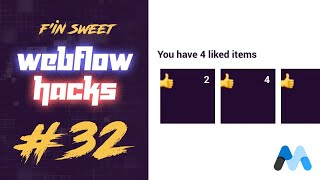
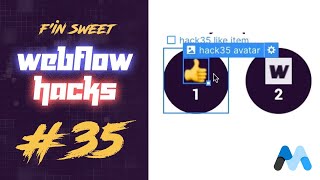
Learn how to integrate Memberstack for adding the "like" or "save" feature in your Webflow website. Follow step-by-step instructions to set up Memberstack and implement personalized user experiences with ease.
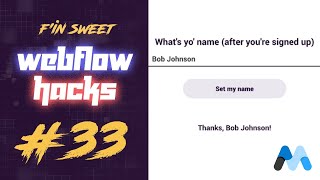
Create personalized user experiences in Webflow using Memberstack. Learn to integrate user's name dynamically throughout the site. Follow our step-by-step guide for seamless implementation.
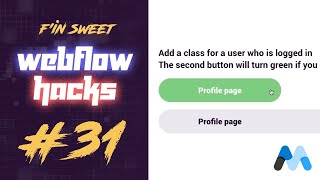
Integrate Member Stack with Webflow to add classes based on user login status. Elevate user experience by dynamically adjusting visual elements without duplicating content. Enhance engagement and streamline design management. Learn how to implement this functionality effectively.
Learn how to set profile avatars for logged-in users using MemberStack in Webflow. Create a membership-based site and enhance user personalization. Follow the step-by-step tutorial for seamless implementation.
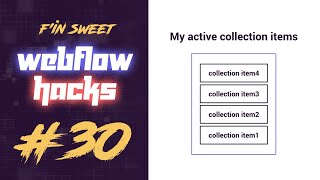
Learn how to hide static titles when dynamic lists are empty in Webflow without coding. Follow this tutorial to improve user experience and website aesthetics.
Learn how to set up real-time text input with Webflow, creating engaging user experiences without extensive coding. Follow our step-by-step guide to personalize interactions and enhance user engagement.
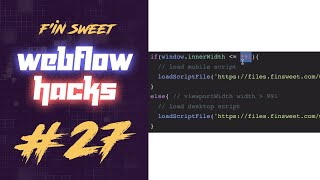
Learn how to optimize user experience by loading specific script files for desktop and mobile devices in Webflow. Enhance performance and functionality based on the user's device type.
Learn how to create a freelance marketplace using no-code tools like Webflow, MemberStack, Airtable, and Zapier as detailed by the founder of Unicorn Factory. Start building your own successful marketplace without any coding knowledge.
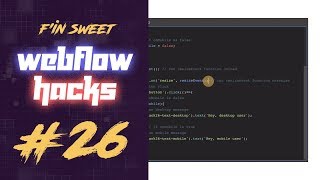
Learn how to build and implement different functions for desktop and mobile users in Webflow without complex coding. Enhance user experience by tailoring interactions based on device types and screen sizes.
Enhance user experience by detecting the mobile operating system in Webflow, without coding. Customize messaging and functionality for iOS, Android, and desktop users with smaller screens. Preview and test the changes for a tailored website experience.
Learn to detect the browser and run functions in Webflow with this comprehensive tutorial. Utilize JavaScript to customize user experiences based on the browser's identity and deliver optimized content and functionality for different browsers.
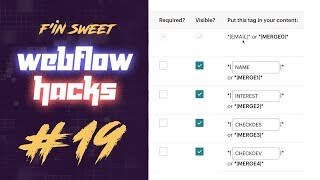
Learn how to build a Webflow form and submit checkboxes, radio buttons, and select fields to MailChimp. Follow step-by-step instructions and leverage custom JavaScript code for seamless integration.
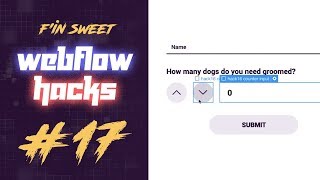
Learn how to add a plus-minus number counter to your Webflow form in this step-by-step tutorial. Easily increment or decrement numbers within an input field using JavaScript. Explore more Webflow resources at Finn sweet. Subscribe for the latest updates!
Learn how to remove anchor link hash from URLs in Webflow. Create cleaner, professional URLs for better user experience. Implement code and test functionality. Elevate your website’s user experience!
Learn how to dynamically remove anchor link hashes from your Webflow site's URLs using JavaScript. Keep your URLs clean and easily shareable, enhancing user experience and accessibility.
Update your website's year automatically using JavaScript in Webflow. Follow our step-by-step guide to set up the design and implement JavaScript to ensure your website always displays the current year without manual intervention.
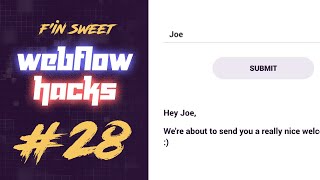
Learn how to create a custom success message for Webflow forms using a simple "sweet Webflow hack." Personalize messages based on user input & enhance user experience. Explore the complete project for step-by-step implementation. Subscribe for more Webflow tips & techniques.